Trailmakers Mods: Workshop Setup and Creative Tools
Explore Trailmakers mods with Steam Workshop setup, block editing, custom tracks, and practical fixes for crashes, map conflicts, and lingering gravity.
Jump to
How to Install and Activate Mods on Steam
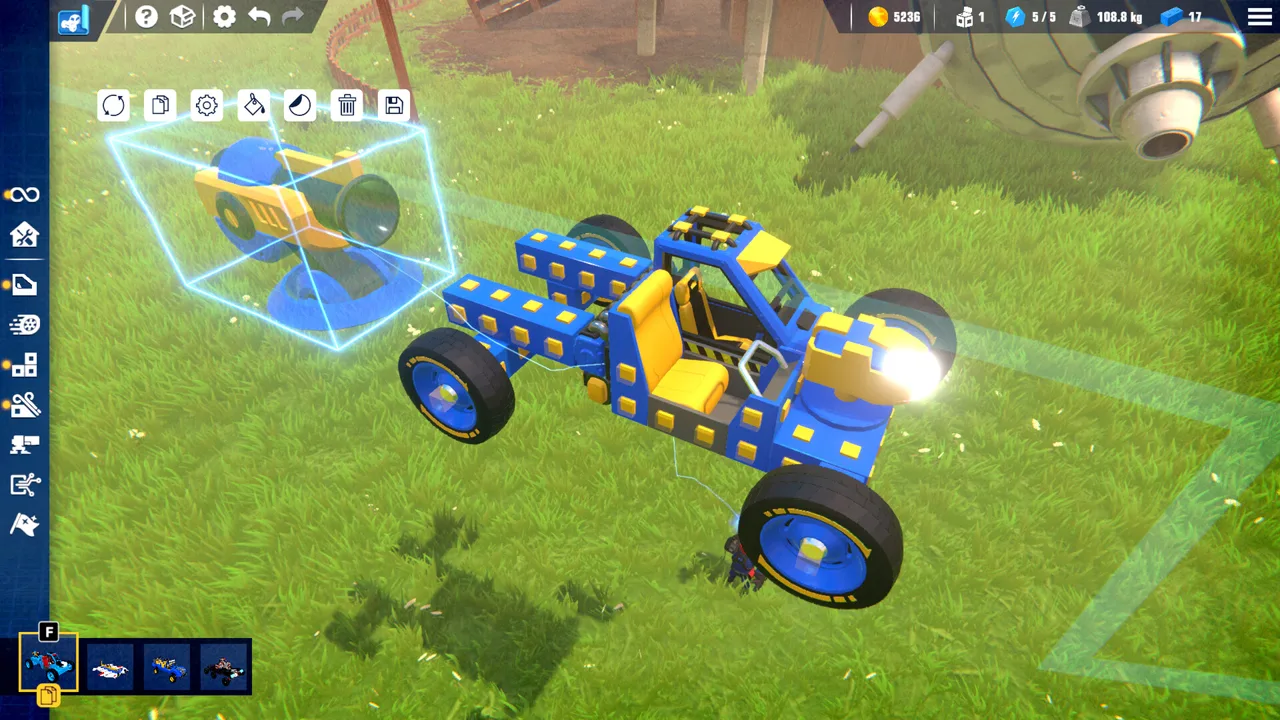
Trailmakers mods let you change the sandbox itself, from block physics to custom race courses. That opens up experiments a downloaded vehicle alone cannot deliver, including adjustable buoyancy, oversized structures, and courses with airborne checkpoints. On Steam, Workshop subscriptions and an in-game activation menu handle the setup.
The Mod Makers Update introduced this workflow:
- Open the game's Steam Workshop and filter for mods.
- Open the item you want and subscribe to it.
- Enter a game session and open Session Options.
- Select Activate Mods.
- Enable the subscribed mod you want to use.
In that interface, F4 releases the mouse from camera control so you can interact with mod windows. Read each item's instructions for its controls and required settings.
Blueprints and mods serve different purposes. A blueprint gives you a vehicle or structure to spawn. A mod can add tools, change physics, spawn world objects, or introduce different gameplay rules. Copying a downloaded blueprint into your Blueprints folder does not activate a mod.
The modding features covered here apply to the Steam version. Updates 2.4 and 2.5 also label their modding changes Steam Only.
Official page: Trailmakers (playtrailmakers.com)
Change Build Complexity and Individual Block Physics
 Image: Steam / Flashbulb
Complexity Mod
Complexity Mod lets you enter a different build complexity limit through its window.
During the Mod Makers Update era, the normal limit demonstrated was 700, and duplicating a structure pushed the build to 1,400. Further experimentation triggered a critical error. Those figures describe that version's demonstration, rather than a current universal limit or a stable target.
Raise complexity in small increments. Test the structure after each increase before adding another large assembly. Entering an enormous value can produce unexpected results instead of usable building capacity.
Block Editor
Block Editor works on a selected block in build mode. Its controls include:
- Mass, which changes weight and balance.
- Buoyancy, which changes how strongly a block floats.
- Health, which changes the block's health value.
- Directional drag, with separate values for the front, back, left, right, top, and bottom.
Use modest adjustments to explore a specific behavior. Increase mass on one end of a vehicle to examine balance, or adjust buoyancy to experiment with flotation.
Keep flotation and propulsion separate in your design. Extremely buoyant wheels can hold a vehicle above the water without providing useful traction; adding thrust addresses movement through a different mechanic.
Spawn Objects and Build Custom Environments
Several tools handle spawning, but their controls and object selections differ.
 Image: Steam / Flashbulb
TrailSpawn accepts object names and includes a cleanup function. Examples include barrels, chickens, bears, shipwrecks, and whales.
Simple Spawning offers a more specific selection of interactive objects, including gold, animals, and explosive obstacles that recharge after detonation. Use those explosives to build a course where driving accuracy matters as much as speed.
Trail Edit adds world-building controls for objects such as rocks, canyon pieces, and catapults. Rotation and scale controls let you change their placement and size. A catapult scaled to 0.5 still operated in the Mod Makers Update version.
Check an object's collision behavior before designing a challenge around it. The whale example lacked collision, while other spawned objects were solid. Increasing an interactive object's scale can also change its behavior dramatically: an enlarged catapult launched vehicles with excessive force.
Custom environments bring their own quirks:
- Battle Arena includes hazards such as grinders, pits, a press, and a catapult.
- Space introduces a zero-gravity environment with planets and movable objects, but still retains air resistance.
- Mirage Island provides a custom driving course with jumps.
The Space mod is a separate community environment from the game's Space Sector map. Its decorative planets do not all behave like solid, landable worlds.
Create Races With Track Creator Plus
Track Creator Plus builds a route by following your movement. You can lay it out while driving, walking, or flying, and checkpoints can sit above the ground.
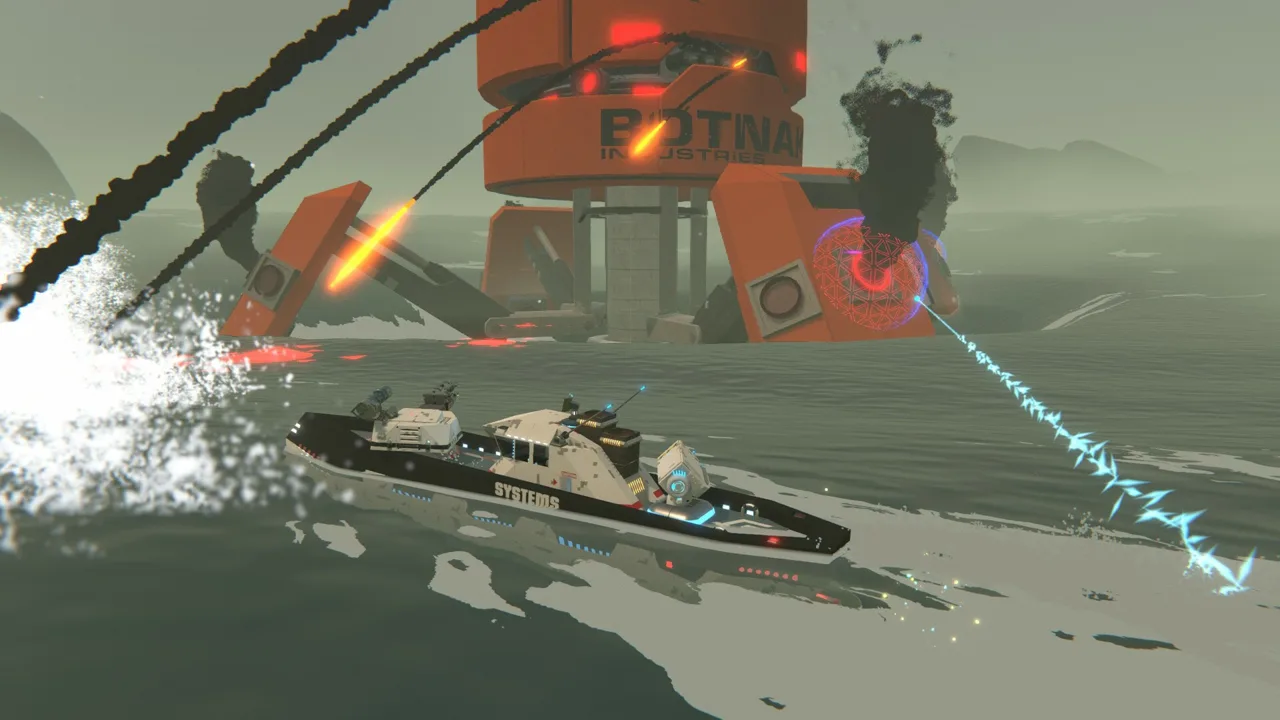 Image: Steam / Flashbulb
Its workflow includes these steps:
- Choose whether to place checkpoints manually or use automatic checkpoints.
- Set the track width.
- Start laying out the route.
- Move along the intended course.
- Place the finish line.
- Open Edit Track to adjust checkpoints.
- Switch to race mode and enter the start area.
In the Mod Makers Update version, backslash starts track creation. Tire markers follow your path, and automatic checkpoints appear as you travel.
Checkpoint deletion happens after placing the finish line. Enable checkpoint delete mode, then move your character through the checkpoint you want to remove.
Plan the route around the vehicle that will race it. An airborne checkpoint turns a ground course into a challenge that requires flight. Tire markers also remain a ground-style visual even when the route climbs into the air.
Use Flight, Launching, and Time Controls
Fly Mod
Fly Mod provides quick movement around the sandbox. In its Mod Makers Update controls, double-tapping Space toggles flight on and off.
Use it to reach elevated checkpoints or inspect a custom environment from above.
Player Launcher Mod
Player Launcher applies force in the direction your character faces:
- I applies a single pulse.
- J applies continuous force while held.
The force value is adjustable. Start low and increase it gradually; large values can send your character across the environment almost instantly. Face the intended launch direction before applying force.
Time Mod
Time Mod freezes the simulation and allows frame advancement:
- N freezes time.
- M advances a frame.
This creates opportunities to frame a vehicle in midair or inspect its position during a maneuver. Its Mod Makers Update behavior has a specific limitation: destroyed parts and destructible pieces do not remain frozen in the same way. A crash can therefore continue breaking apart while the rest of the scene is paused.
Capture an intact vehicle before impact if you want a controlled airborne shot.
Handle Map Conflicts, Leftover Physics, and Overhauls
A custom environment can overlap the underlying map. Mirage Island loaded over Danger Zone with existing terrain intruding into the course.
Follow the mod's base-map requirements before loading its environment. If scenery cuts through the track, check the underlying map before trying to redesign the course.
Disabling an environment can also leave a changed setting behind. Turning off the Space mod left zero gravity active when switching to Mirage Island. Restore gravity through the available mod controls before testing a ground vehicle, or restart the session to troubleshoot the remaining behavior.
Larger gameplay overhauls require additional attention. Trail Of Duty adds first-person combat, an inventory, randomly spawning weapon chests, throwable items, and a handheld blaster. It also disables vehicle repair and flight. However, it carries an incompatibility warning with Trailmakers, so account for that warning before planning a session around it.
Its setup instructions require player invincibility to be turned off. They also recommend restarting the game or world before loading it because it can become laggy.
What Updates 2.4 and 2.5 Changed for Modding
Later updates expanded the tools available to mod authors and changed behavior that older projects can depend on.
Update 2.4, released June 18, 2026, included:
- Custom-mesh spawned objects defaulting to Asphalt physics material instead of Stone.
- An optional physics-material argument for custom-mesh spawning functions.
- Functions for removing block-type bans or limits.
- Mod-window text and alignment fixes.
Update 2.5 added further structure and chat features:
- An optional force-type argument for
ModStructure'sAddForce. GetTotalMassfor structures and a block-size function forModBlock.SpawnStructuresupport for player -1, creating a structure owned by no player.RegisterChatCommandfor commands with parsed arguments.OnIncomingChatMessage, replacing the deprecatedOnChatMessagefor richer message context.
For mod authors maintaining chat tools, replace uses of OnChatMessage that depend on message color: that older callback now always returns white. Update 2.5 also fixed mod-cache hash calculation and a UI-button issue involving removal and recreation under the same ID.
Continue with
 Trailmakers Workshop: Find, Test, and Share New BuildsExplore the Trailmakers workshop to find community vehicles, learn from blueprints, test new designs, and share your own builds with creative players.
Continue exploring
Trailmakers Helicopter Guide: Fix Spin and Tune Lift
Build a Trailmakers helicopter with servo settings that tame rotor torque, compare blade options, and learn how to control lift without constant climbing.
Trailmakers Mech Guide: Build a Stable Walking Base
Build a Trailmakers mech with stable leg cycles, smoother suspension, and better slope traction. Learn what Mech Amok adds and how to shape a walking base.
Join the community
Official channels for news, updates and player help: