Trailmakers Workshop: Find, Test, and Share New Builds
Explore the Trailmakers workshop to find community vehicles, learn from blueprints, test new designs, and share your own builds with creative players.
Jump to
What Is the Workshop in Trailmakers?
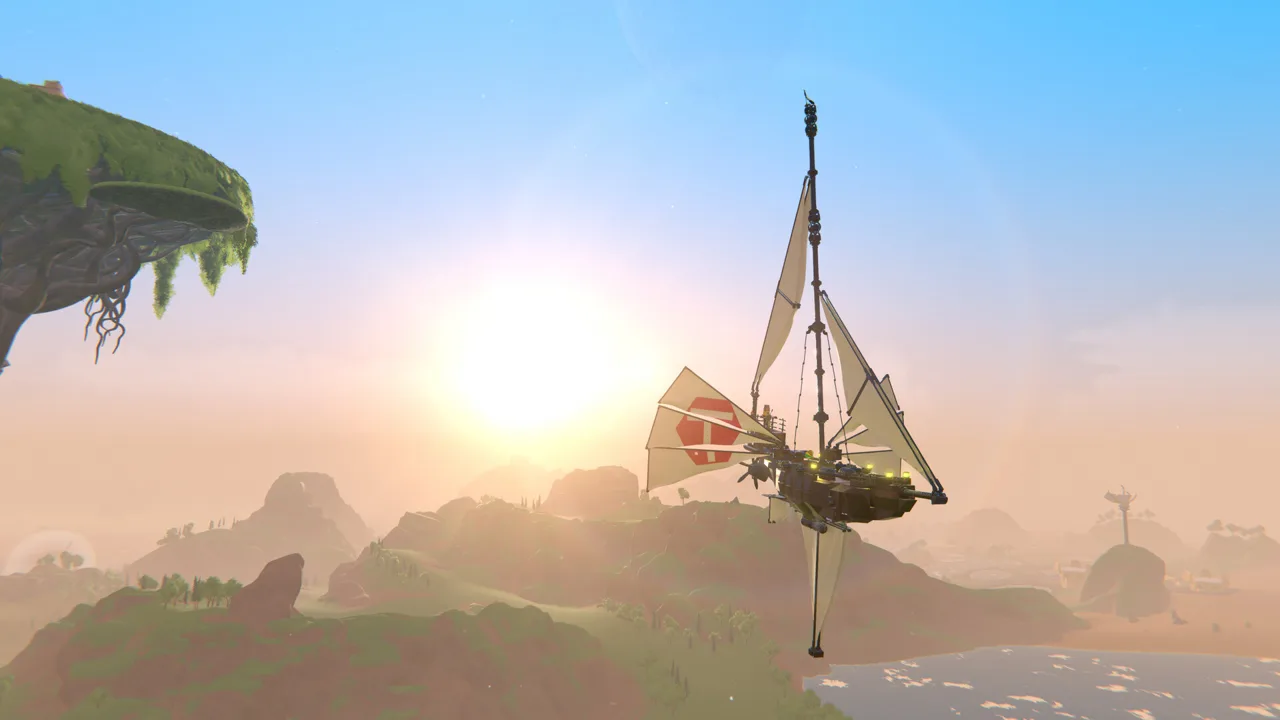
Your next vehicle doesn’t have to start with an empty builder. The Trailmakers workshop lets you try community-made vehicles and share your own creations, giving you fresh machines to drive and designs to learn from. Whether you want a racing car, an aircraft, or something wonderfully impractical, another builder’s blueprint can give your next project a starting point.
Community vehicles are part of the game’s building experience: you can choose a premade design or assemble your own machine from hundreds of blocks. Those parts affect aerodynamics, speed, functionality, and combat performance, so looking inside a creation can be as interesting as driving it.
By February 20, 2025, the Steam community had already contributed more than 550,000 creations. That gives you plenty to explore beyond another variation of your own favorite chassis.
Official page: Trailmakers (playtrailmakers.com)
Choose a Vehicle for What You Want to Do
Start with a purpose before picking a design. A vehicle built for racing faces different demands than an armed aircraft or a boat, even when all three look impressive in a preview.
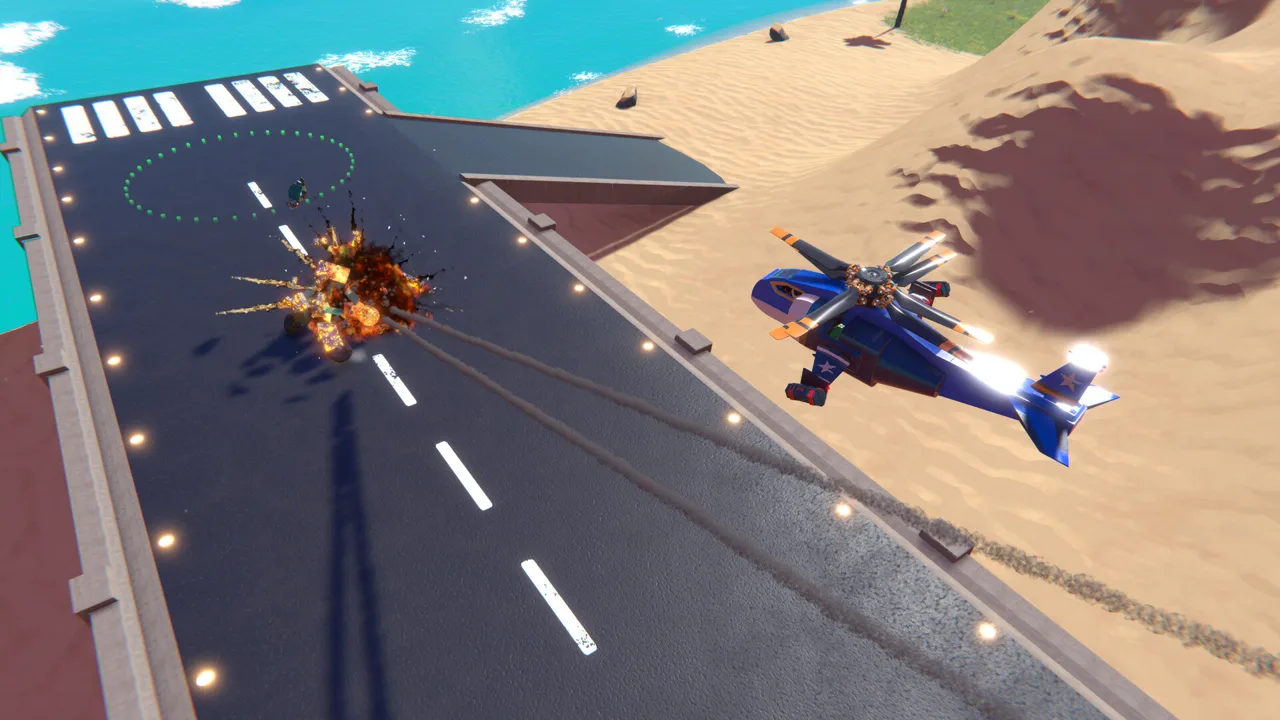 Image: Steam / Flashbulb
Use the game’s activities to narrow your search:
- Racing: Look for cars to take around Race Island, which features 14 races with global leaderboards.
- Combat: Explore vehicles built for fighting on land, underwater, in the air, or in space.
- Sandbox sessions: Try unusual machines with friends, then compare how each creation behaves.
- Building practice: Choose a design with a function you want to understand, such as flotation or flight.
For multiplayer testing, Trailmakers lets you play with friends across its game modes, including the main story. Give everyone a chance to drive each other’s vehicles and compare their handling.
Read any controls and setup instructions attached to a creation before using it. A complicated machine deserves more attention than its thumbnail.
Learn From a Blueprint Without Changing Everything
Once you have a vehicle to examine, test its original behavior before editing it. Drive a few corners, attempt a takeoff, or check how it sits in the water. That gives you something concrete to compare against after a change.
Then focus on one part of the design:
- For aircraft, inspect weight and balance. Check the placement of heavy components before adding more equipment.
- For boats, examine flotation and propulsion. Look at how the hull, flotation blocks, and propeller work together.
- For combat vehicles, inspect weapon placement. Consider how an uneven load affects the rest of the machine.
Change one feature at a time and repeat the same test. Adding armor, moving an engine, and rebuilding the wings together makes it harder to tell which change affected the handling.
For race vehicles, use your own ghost to compare runs and identify where you lose time. Judge an edit over the course you’re driving, rather than by straight-line speed alone.
Share Builds That Other Players Can Understand
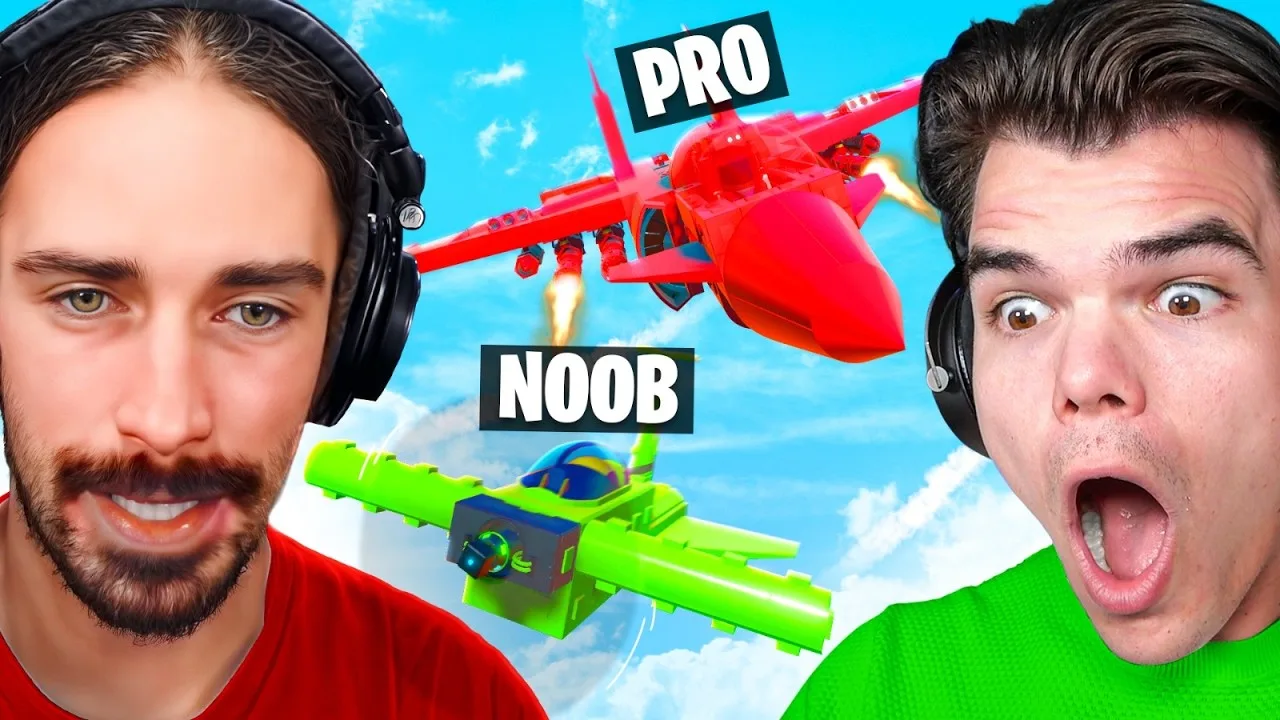
You can upload your own vehicles and share them with the community. Before publishing, test the functions you expect another player to use, including movement and any weapons or special mechanisms.
Make the description useful:
- Explain what the vehicle does.
- Include its controls and any necessary session settings.
- Describe unusual operating behavior.
- Credit another builder when sharing a design adapted from their work.
Apply the same care to presentation. Trailmakers offers block colors, skins, and patterns, so give your creation a recognizable appearance alongside a clear description.
For organized challenges, follow the event’s submission requirements. During February 2026’s War of the Workshops, players submitted mechs through the workshop/gallery using #WOTW. That tag belonged to that competition; use the instructions for whichever event you enter.
Find Inspiration in Community Build Themes
A theme can give you a useful constraint when you don’t know what to build next. Try designing around a setting, a visual idea, or a specific kind of machine.
Recent community showcases included:
- October 22, 2026: “The Best City Blueprints.”
- October 29, 2026: “Haunt Servers with these Spooky Blueprints!”
Use those themes as building prompts. Create a vehicle that belongs on a city street, or turn a familiar chassis into something suitable for a Halloween session. Keep testing as you decorate: changing the shape and weight still affects the vehicle underneath.
Check Compatibility When a Creation Won’t Work
Separate vehicle blueprints from mods that change gameplay. A shared vehicle uses the building system, while a mod can introduce much broader changes.
For example, Trail Of Duty adds first-person combat, an inventory, and weapon chests. Its Workshop page carries an incompatibility warning, so skip it when choosing something ready to use.
Version fixes also matter when troubleshooting the browser or builder:
- Update 2.3.5, May 8, 2026: Fixed editing issues involving uploaded blueprints and selection problems in the Gallery/Workshop.
- Update 2.4, June 18, 2026: Improved blueprint inventory performance and added Build Complexity to blueprint hover tooltips.
Update the game before investigating those older issues. When browsing blueprints, inspect the complexity tooltip before spawning a creation, and read any compatibility warnings or setup requirements attached to the item.
Continue with
 Trailmakers Mods: Workshop Setup and Creative ToolsExplore Trailmakers mods with Steam Workshop setup, block editing, custom tracks, and practical fixes for crashes, map conflicts, and lingering gravity.
Continue exploring
Join the community
Official channels for news, updates and player help: