
Trailmakers Pioneers Map Guide: Biomes and Missions
Explore the Trailmakers pioneers map with biome details, settlement tips, BOTNAK camp counts, and campaign changes that shape your trips across Gregory.
Jump to
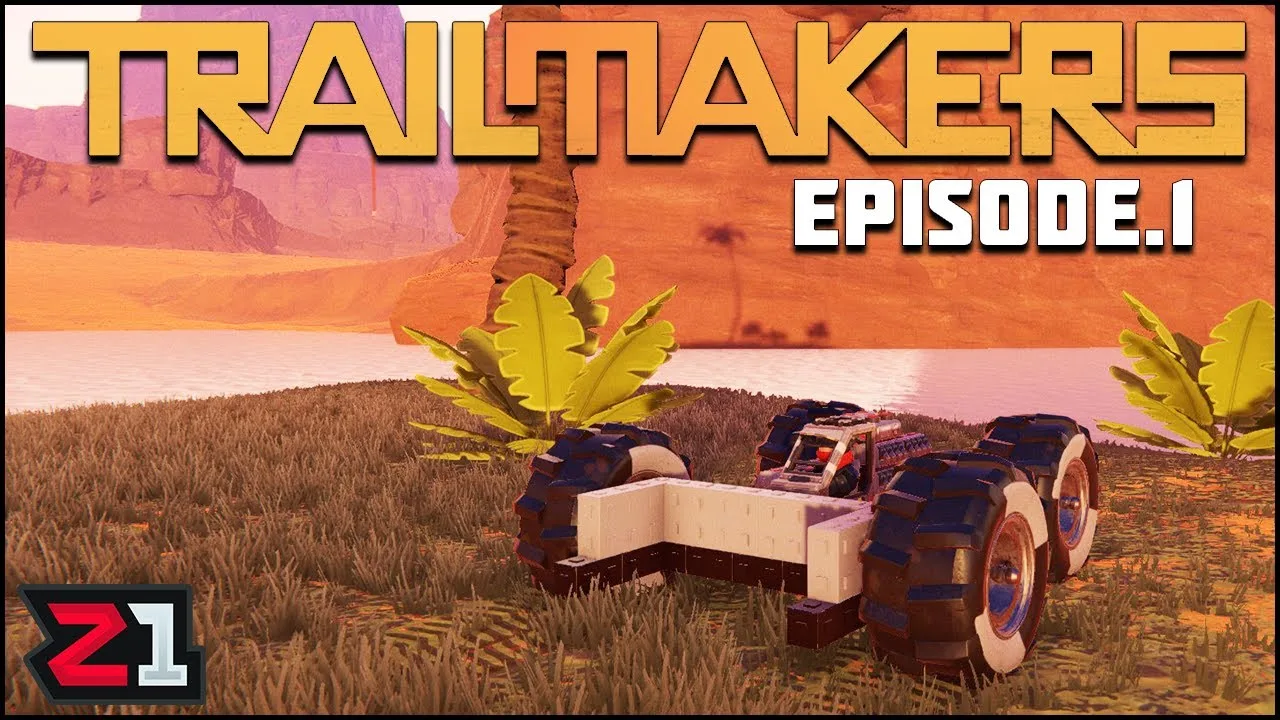
How Big Is the Pioneers Map?
The Trailmakers pioneers map spans 7×7 km on Planet Gregory, with varied terrain that gives your vehicle designs a purpose beyond speed. Fuel, repairs, and mission objectives all affect how far you can safely explore. Plan around settlements and the ground ahead before committing to a long trip.
Pioneers arrived as a free update on March 6, 2025, introducing a campaign about helping the Froggits fight the resource-hungry BOTNAKs. Its world includes five named biomes: Meadows, Wastelands, Mudflats, Withered Heights, and TreeTops.
Across Gregory, you’ll encounter water, caves, mountains, and mud, along with landmarks such as lighthouses, settlements, and enormous Skytrees. The campaign includes passenger transport, salvage, combat, resource gathering, and traversal missions, so exploring also means adapting your builds to different jobs.
Wheels lose traction and slow down on mud, grass, and sand. Account for those surfaces when choosing a route, and test your handling before taking a loaded vehicle far from a settlement. Build for the terrain and mission you’re tackling rather than adding speed alone.
Official page: Trailmakers (playtrailmakers.com)
Using the Map and Finding Side Missions
The Dashboard brings together the map, Pioneers Progress, Mission Log, and Resource Inventory. Use these screens together: check your destination, review the accepted mission, and inspect your resources before leaving town.

Side missions appear on the map when you get close to them. This behavior changed in update 2.0.3 on April 30, 2025; they are no longer automatically displayed across the world. Explore beyond the objectives already visible if you want to discover more activities.
Mission icons were also moved farther from settlement icons in that update to make them easier to select. When several objectives cluster around a town, inspect the individual mission markers rather than assuming the settlement icon represents everything nearby.
For builds containing uncrafted blocks, update 2.0.3 added resource tracking for the missing components. Use that tracking to give gathering trips a specific purpose instead of collecting materials without checking what your blueprint needs.
Settlements, Fuel, and Repairs
Settlements are practical stops during exploration. Fuel and repair tokens can be replenished at towns and through pickups, while entering a settlement triggers a save following the 2.0.3 update.
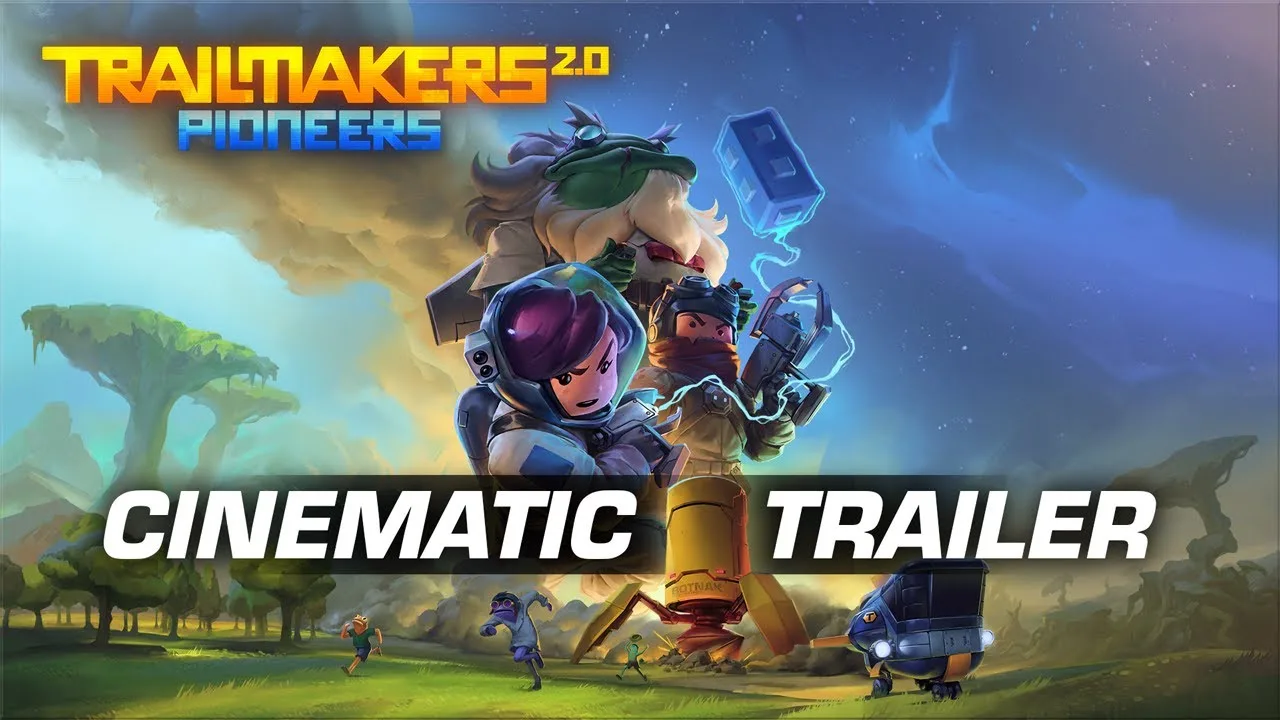
Route longer trips through settlements, especially before combat or unfamiliar terrain. Running out of fuel can leave you stranded, and repairs outside your vehicle expose you to danger.
Near Leapsvale, the Froggit Nitrog explains fuel and repair tokens. Stop there if those systems are catching you off guard.
Keep these mechanics in mind while traveling:
- Realigning and repairing are separate actions. On keyboard, press R to realign; hold it to repair.
- Transforming carries damage over. Switching structures does not remove the damage you already took.
- Emergency repairs leave you vulnerable. Move away from immediate threats before attempting one outside your vehicle.
Mission checkpoints also affect how much travel you repeat after dying. Update 2.0.3 added checkpoints at various mission steps within the same session. Combat steps reset to the previous step, and in multiplayer, a mission step resets only when all players involved in that mission die.
BOTNAK Camps and Obsidian Side Missions
Update 2.0.3 added six BOTNAK camps and seven Obsidian side missions across three regions:

| Region | BOTNAK Camps Added | Obsidian Side Missions Added |
|---|---|---|
| Meadows | 3 | 4 |
| Mudflats | 1 | 1 |
| Withered Heights | 2 | 2 |
Use these regions as exploration targets when looking for those additions. Remember that side mission markers require proximity, so checking the map from a distant settlement won’t reveal every nearby opportunity.
Gregory’s enemies include Mining drones, Hover Tanks, Artillery Pods, and Mega Drills. Keep your transport requirements in mind when preparing for encounters: a passenger mission and a combat mission ask different things of the same vehicle.
How Difficulty Changes Exploration
Pioneers offers Cadet and Veteran difficulty through Session Options. Cadet is the standard setting. Veteran increases enemy toughness and damage, speeds up enemy respawns, limits you to one repair token, and disables teleportation in Campaign mode.
Enemy groups found around the world respawn after 30 minutes on Cadet, with faster respawns on Veteran, following the changes in update 2.0.3. Clearing a route therefore doesn’t keep it empty indefinitely.
On Veteran, plan the return journey before heading into a dangerous area. Refill at settlements and preserve your repair token for damage that threatens the trip. With teleportation unavailable and enemies returning faster, the distance back to safety matters alongside the distance to your objective.
Exploring Gregory in Sandbox
The Pioneers world became available in Sandbox with update 2.0.3. That update also introduced BOTNAKs and respawning Mega Drills to Sandbox, alongside a Peaceful Sandbox option.
Use Sandbox to experiment with vehicle designs across Gregory’s terrain. Practice water crossings, test how a build handles rough ground, or explore without following the campaign’s mission sequence.
For campaign exploration with friends, Trailmakers supports multiplayer in the main story. Coordinate transport and combat builds around the mission ahead, and keep the shared mission checkpoint behavior in mind during tougher encounters.
Continue with
 Trailmakers Where to Farm Aqualite: Point Flotsam GuideTrailmakers where to farm aqualite: find Point Flotsam in Frozen Tracks and plan your gathering trips around the 15–30 minute resource node respawn timer.
More in Maps
See all Maps
Join the community
Official channels for news, updates and player help: